¶ Documentation
The Changesets page provides an option to automatically generate change control documentation for the changeset. The documentation includes details from the changeset, like name, environment, user, email, and so on.
In the Documents drop-down list, you can select the document template required for your change. InProd automatically generates the change control document based on the selected template and it is downloaded to your local system.

¶ Document Template
The Documents page shows a list of document templates that can be used to automatically generate change control documentation for a Changeset. To access this page:
- Navigate to the Changeset tab and click the Documents button.
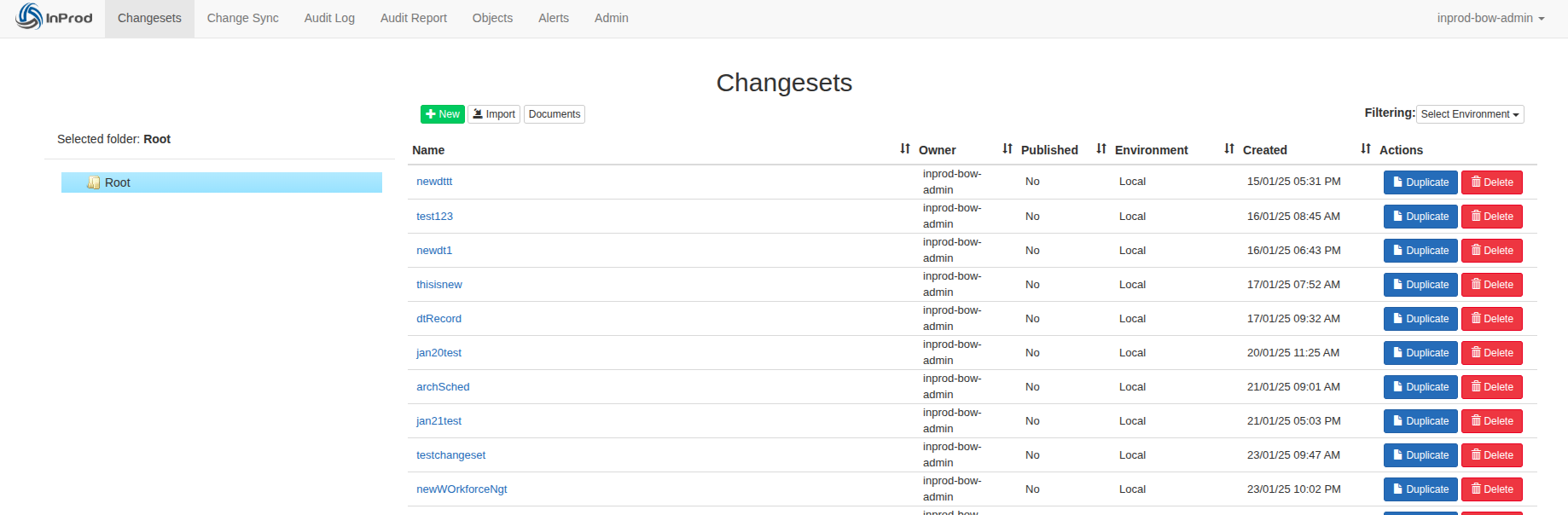
- You will be redirected to the Documents page.

¶ Documents Main Page
On the Changesets page, when the document template is selected, the variables in the selected template are replaced with actual values from the Changeset.
In the Document template, the variables are marked with double square braces, like [[name]].
The following variables are available in the document template:
[[name]]Title name of the Changeset[[environment]]Name of the targeted environment[[user]]User account who created the Changeset[[user_email]]User email account who created the Changeset
A sample template is provided with the base install. This sample template can be edited to add the company logo and style guide.
Here is a demo template showing the available variables in document templates: demo_cs.docx
¶ Adding a New Document
The Documents page in InProd provides an option to upload document templates. These document templates act as predefined configurations. You can use these templates to generate the documentation of Changeset.
InProd supports customizing these document templates to suit specific business requirements.
The document templates must be in Microsoft Word document format.
- On the toolbar, click Documents to open the Documents page.
- On the Changesets page, click New.

Documents Main Page
The Create Document dialog box appears.
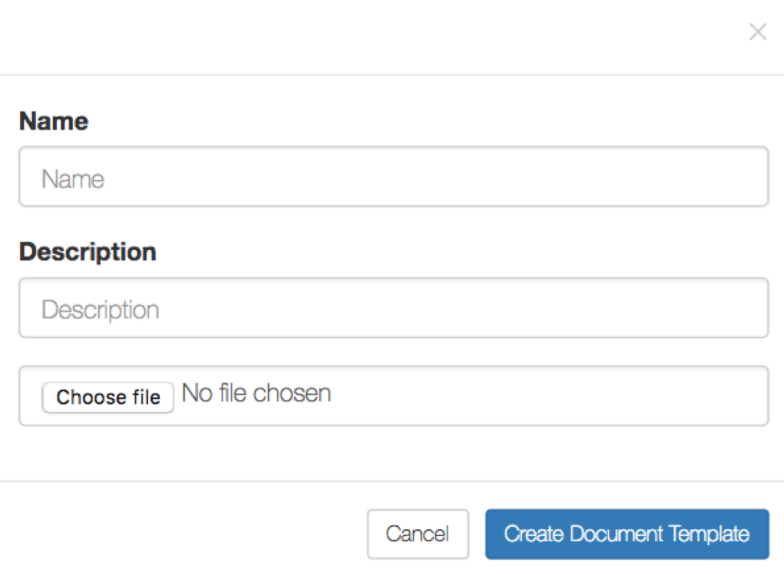
Create Document Dialog Box
¶ Adding a new document template
- Enter appropriate values in the following fields:
- In the Name field, enter a name that allows for the document to be easily identified.
- In the Description field, enter an additional description of the document template.
- Click the Choose file button and select the document template in Word format.
- Click the Create Document Template button to finalize uploading.
If the document is successfully uploaded, it is listed on the Documents page. However, uploading is unsuccessful, the appropriate error message appears.
For example,
¶ Editing Document Details
After uploading the Document Template, you can modify the document name and description.
- Go to the Documents page.
- Hover the mouse pointer on the document name or description.
- Click the pencil icon that you observe.

Edit Icon for a Document
The text field appears to make the changes.
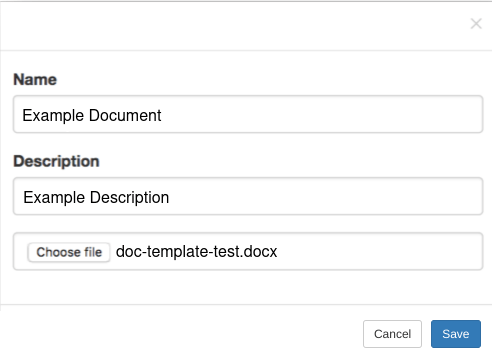
Document Name Edit Field
- Change the name and click the Save button.
¶ Deleting a Document
After uploading the document template, you can delete the document if not required.
- Go to the Documents page.
- In the list of documents, click the icon in the Delete column.

Delete Icon
The confirmation dialog box appears.
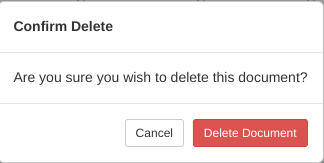
Delete Confirmation Message
- If you are sure about deleting the document, click Delete Document.
The document is deleted from the list.
¶ Downloading a Document
You can download the document to use it for other purposes.
- Go to the Documents page.
- In the list of documents, click the icon in the Download column.

The selected document is immediately downloaded to the local system.